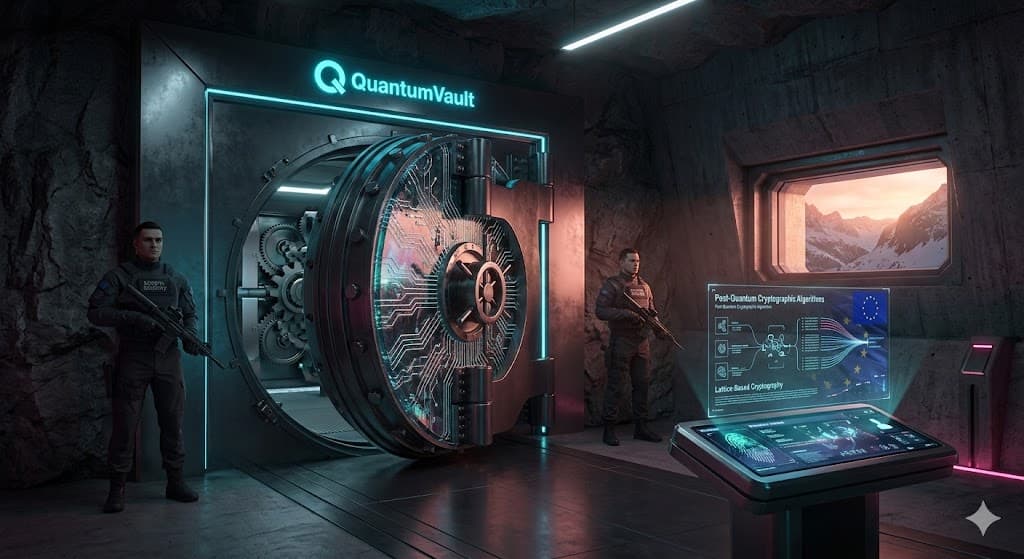
What Can You Protect with QuantumVault? (More Than You Think)
Every company has secrets. API keys in .env files. Database passwords in a shared spreadsheet. SSH keys on someone's laptop. An SSL certificate that only one person knows how to renew.
These secrets are the keys to your kingdom. And in most organisations, they're scattered across dozens of places with no central management, no access control, and no audit trail.
QuantumVault changes that. It's a single, quantum-safe platform for managing every secret your organisation depends on — from simple passwords to post-quantum cryptographic keys to short-lived database credentials that expire automatically.
Here's everything you can protect with it.
Secrets management: the foundation
At its core, QuantumVault is a secrets manager. You store sensitive values — passwords, API keys, connection strings, tokens, SSH keys, licence keys, webhook secrets, environment variables — and QuantumVault encrypts them at rest using hybrid post-quantum encryption (ML-KEM + AES-256-GCM).
But it goes well beyond a simple key-value store. Every secret supports automatic versioning, so you can see what changed and when. You can organise secrets into nested folders, tag them with labels, add custom fields, attach notes, and link them to specific URLs or usernames. If a secret has a TOTP seed, QuantumVault generates the two-factor codes for you.
Need to share a secret with someone outside your organisation? Shared links let you create a time-limited, password-protected, access-counted link that self-destructs after use. No more sending credentials over Slack.
Key management: your own quantum-safe KMS
QuantumVault includes a full Key Management System. You can generate, import, rotate, and manage cryptographic keys — both post-quantum and classical — without needing a separate KMS provider.
Supported key types include:
- Post-quantum keys: ML-KEM-512, ML-KEM-768, ML-KEM-1024 for key encapsulation, and ML-DSA-44, ML-DSA-65, ML-DSA-87 for digital signatures — all NIST-standardised (FIPS 203 and 204)
- Hash-based signatures: SLH-DSA in multiple security levels (FIPS 205) for long-term signature verification
- Classical keys: RSA (2048, 3072, 4096), Elliptic Curve (P-256, P-384, P-521), HMAC (SHA-256, SHA-384, SHA-512), and AES (128, 256) for backward compatibility
- Full lifecycle management: keys move through Active, Deactivated, Pending Deletion, and Destroyed states — following NIST SP 800-57 guidelines
- Bring Your Own Key: import existing keys in PEM, DER, JWK, or raw format and manage them alongside generated keys
Every key supports encrypt, decrypt, sign, verify, wrap, unwrap, generate data key, and MAC operations — all through the API, CLI, or portal. And if you need to export keys to Azure Key Vault, AWS KMS, or GCP KMS, QuantumVault supports that too.
PKI: your own Certificate Authority
Most teams treat certificates as a necessary evil. You buy them from a public CA, install them manually, and hope someone remembers to renew them before they expire. For internal services, you might skip TLS entirely — because running your own CA feels like too much work.
QuantumVault makes it straightforward. You can create your own root or intermediate Certificate Authority directly in the platform and start issuing X.509 certificates for your internal services, APIs, and microservices. When a certificate needs to be revoked, QuantumVault handles CRL (Certificate Revocation List) publication automatically.
It also supports SSH certificates. Instead of distributing SSH public keys to every server and managing authorized_keys files, you set up an SSH CA in QuantumVault and sign user public keys on demand. The signed certificate grants access for a defined period — no more permanent SSH keys floating around your infrastructure.
Dynamic secrets and automatic rotation
Static credentials are a liability. The database password that was set two years ago and shared with twelve people — everyone knows it's a problem, but nobody wants to deal with the rotation.
QuantumVault solves this in two ways:
- Dynamic secrets: configure a database backend (PostgreSQL, MySQL, MongoDB, or RabbitMQ), and QuantumVault generates short-lived credentials on demand. Each credential comes with a lease — when the lease expires, the credentials are automatically revoked. No more shared database passwords that never change.
- Rotation policies: for secrets and keys that can't be dynamic, set up automatic rotation on a schedule — daily, weekly, monthly, quarterly, or yearly. QuantumVault rotates the value, notifies you via email, and can trigger a webhook so your systems pick up the new credential automatically.
- Fine-grained access control: define exactly who can access what. Access policies let you grant or deny permissions on individual secrets, keys, or groups — by user or by team. API keys support scoped access with granular permissions like secrets:read, keys:write, or encrypt.
- Full audit trail: every action — create, read, update, delete, rotate, share — is logged with who did it and when. When the auditor asks who accessed the production database credentials last Tuesday, you have the answer in seconds.
One vault for everything
Most organisations end up with a patchwork of tools: a password manager for team credentials, a cloud KMS for encryption keys, a manual process for certificates, and nothing at all for database credential rotation. Each tool has its own access control, its own audit log, and its own blind spots.
QuantumVault replaces that patchwork with a single platform. Secrets, keys, certificates, and dynamic credentials — all in one place, all encrypted with post-quantum algorithms, all under one access control model, and all with a unified audit trail.
And because we charge by storage and API calls — not by users or number of secrets — your entire team can use it without per-seat costs eating into your budget.
QuantumVault is available now as part of the Business Beta. 90 days of full access, completely free. Sign up at quantumapi.eu.